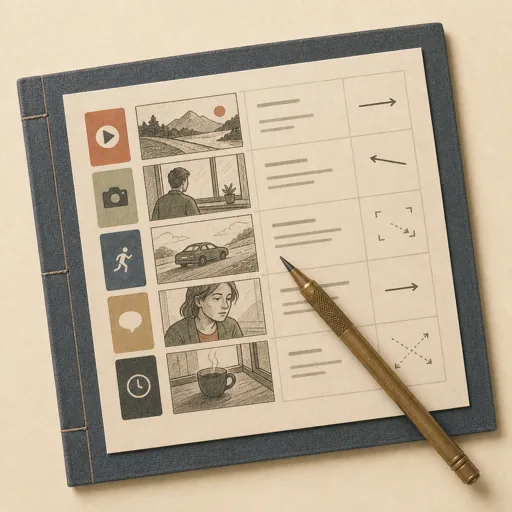
Video Storyboard from a Script
Turn a video script into a shot-by-shot storyboard — each scene broken into shots with a framing sketch/description, camera direction, on-screen action, the matching script line, and timing — so a shoot or animation has a clear visual plan. Scopes the script into scenes and shot list FIRST, then designs each storyboard panel visually. The script-scope-then-storyboard ordering ensures every shot maps to a real script beat and the timing adds up to the script's runtime, instead of pretty panels that drift from the words.
Steps
Entry step: script-scope. Each step names the specialist role it wants; the full working prompt is expandable.
- Script scope & shot listplannerentry
scenes, shot breakdown, timing, panel fields
Show working prompt
Break the script down BEFORE drawing. Step 1: read the script and segment it into scenes; record the script's total target runtime. Step 2: break each scene into shots, each mapped to specific script line(s) and an estimated duration so the shot durations sum to the runtime. Step 3: define the panel fields every storyboard cell must carry: shot number, framing (WS/MS/CU), camera move (static/pan/zoom), on-screen action, the script/VO line, and seconds. Step 4: number shots sequentially across scenes. Write an acceptance-criteria checklist (every script line maps to ≥1 shot, every shot has all panel fields, shot durations sum to ~the runtime, shots numbered sequentially, a clear opening and closing shot) and the shot list to `{{workPath}}/script-scope.md` via write_task_note AND the produces path. The deliverable `{{workPath}}/script-scope.md` lands in the project's artifacts drawer — write it with `write_artifact` and read it back with `read_artifact`; the shipped workspace stays untouched. - Storyboard the shotsvisual-designer
render panels per shot: sketch/description + directions
Show working prompt
Produce the storyboard from the shot list as a single viewable `storyboard.html` (inline CSS). Step 1: render one panel per shot in script order, each panel showing a framing visual (an SVG/CSS sketch of the composition, or generate a thumbnail if image tools exist — show subject placement, headroom, rule-of-thirds) plus the shot number. Step 2: under each panel list the fields from scope: framing, camera move, on-screen action, the script/VO line, and the shot's seconds. Step 3: group panels by scene with scene headers, and show a running timecode. Step 4: keep a consistent panel template/aspect ratio across the whole board. Step 5: confirm it opens cleanly with no console error. write_task_note the path and panel count. On a loop-back, fix only the flagged panels (missing fields, wrong framing, timing that doesn't sum).
- Evaluatereviewer
Grade the deliverable against every acceptance criterion. All pass → finish; any fail → loop back and fix the gap.
Show working prompt
Review the storyboard like a director. Step 1: open `storyboard.html` — it renders panels in order with no console error (PASS/FAIL). Step 2: confirm EVERY panel carries all fields (framing, camera move, action, script line, seconds) and a framing visual. Step 3: confirm every script line maps to at least one shot and shot durations sum to ~the script runtime. Step 4: confirm shots are numbered sequentially and grouped by scene with a running timecode. Step 5: confirm there is a clear opening and closing shot. Write PASS/FAIL per criterion. Then route — this is the whole point of the loop: - **Every criterion PASSES →** call `advance_task_step({ ref, stepId: "evaluate", next: "finish" })`. - **Any criterion FAILS →** write the specific gaps to notes, then call `advance_task_step({ ref, stepId: "evaluate", next: "storyboard" })` to loop back. The builder fixes exactly those gaps. Never route to `finish` while any criterion is unmet. The build phase's completion gate already blocked a grossly-incomplete deliverable; your job is the judgment an automated check cannot make (does it actually work, read well, look right). After ~3 unproductive loops, stop and report DONE_WITH_CONCERNS so the user can step in. - Finishdeveloper
All acceptance criteria met. Stamp a short summary and report DONE.
Show working prompt
Every acceptance criterion passed. Write a one-paragraph DONE summary to task notes via `write_task_note`: what was built, the deliverable path(s), and a one-line confirmation that each criterion is met. Then report DONE.
Triggers
Phrases that suggest this craftbook to a crew.
- storyboard my script
- shot list from a script
- video storyboard
- plan the shots
- visualize a video script
Source
View this craftbook on GitHub · MIT license